
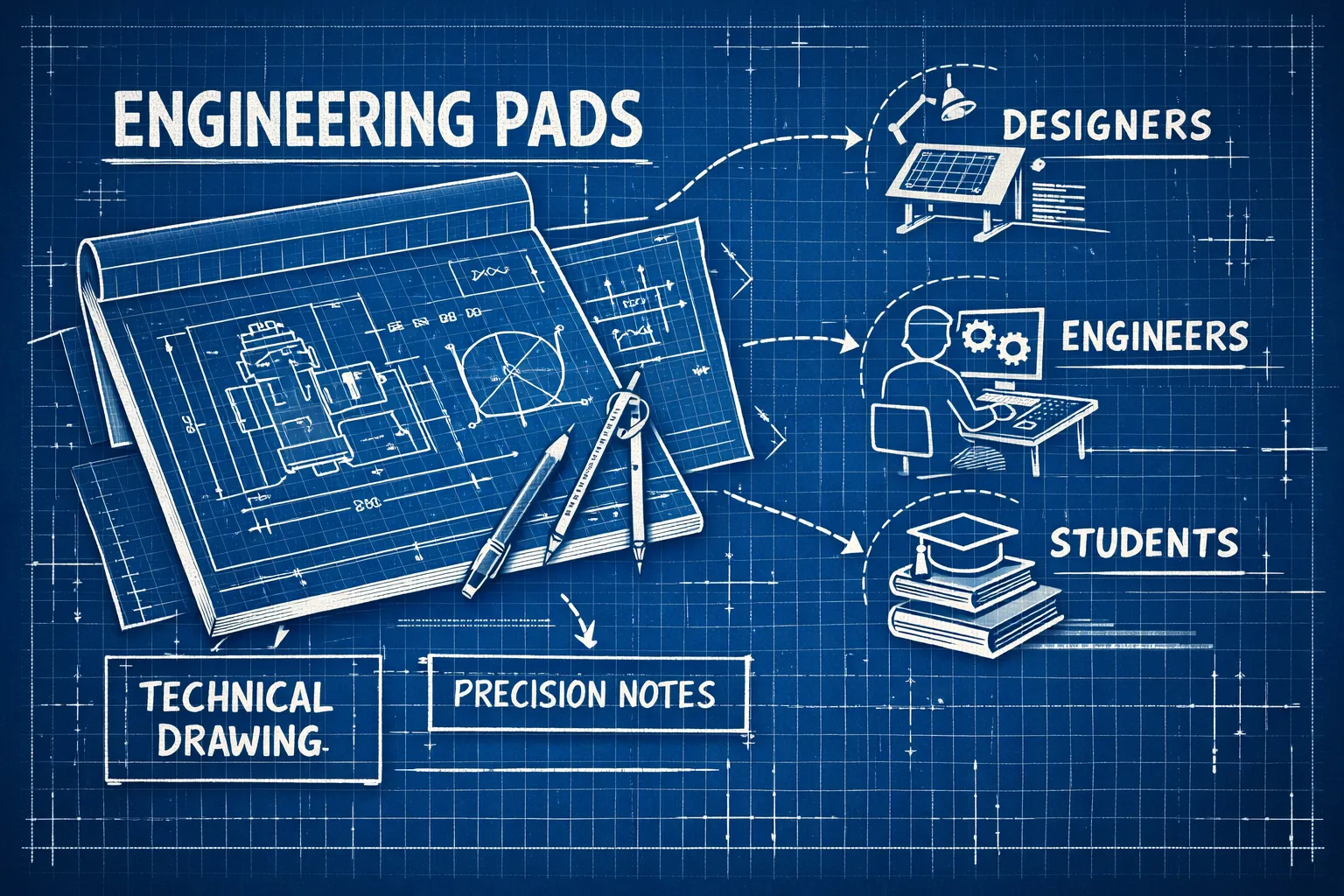
Engineering pads look like a regular notepad until you flip one over. Then you notice the grid printed on the back, the light green tint on the paper, and the structured layout with margins, header boxes, and 3-hole punching. These aren’t design flourishes. Every one of those features exists for a reason, built into the pad to make technical work faster and easier to reproduce cleanly.
Computation pads have been a fixture at drafting tables, lab benches, and field offices for decades, though they remain largely unknown outside engineering circles. What makes them different from standard notepads, who actually uses them, which specs matter before you buy, and when it makes sense to order a branded version for your team, that’s what this guide covers.
What sets engineering pads apart from standard notepads
The first thing you notice about an engineering pad is the paper color. It’s not white. Most use a light green tint, and that choice is primarily functional rather than decorative.
The green tint and what it actually does
Green-tinted paper reduces glare compared to bright white paper, which makes a real difference during long calculation sessions or extended drafting work. When you’re staring at a page for hours under fluorescent lighting, the softer contrast cuts eye fatigue noticeably. Some pads use a light tan or buff tint for the same reason, but green is the recognized standard and the one you’ll find on most computation pads sold in the US today.
Back-printed grid lines and faint show-through
The grid on an engineering pad is printed on the back of the sheet, not the front. That means the lines show through faintly to the writing surface, giving you just enough visual guidance to keep your work aligned without the grid competing with your own ink or pencil marks. It’s a subtle but important distinction from standard graph paper, where bold lines on the front can crowd the page and make detailed work harder to read.
The other advantage of back-printed grids: they disappear when you scan or photocopy the page. Your calculations and drawings reproduce cleanly, with no grid interference. That matters when pages become part of a project file or get submitted for review.
Built-in structure: margins, header boxes, and chipboard backing
Most engineering pads come with a ruled left margin, a header area at the top for project name, date, and page number, and standard 3-hole punching so completed pages transfer directly into a binder. At the bottom of the stack sits a firm chipboard backing, which gives you a stable writing surface even when you don’t have a desk underneath. For field engineers working on-site, that backing isn’t a nice-to-have. It’s essential.
Grid spacing on engineering pads and what each option is designed for
Not all engineering pads use the same grid. The spacing you choose directly affects how useful the pad is for a given task, so it’s worth understanding what each option is actually built for before you order.
The 1/10″ grid: why it’s the US standard
The 1/10″ grid, which gives you 10 squares per inch, is the most common spacing on engineering computation pads sold in the United States. It’s fine enough for detailed calculations, circuit schematics, and scientific measurements. Most pads at this spacing use heavier lines every five or ten squares to divide the page into larger visual blocks, helping you organize work into sections without losing the precision of the fine grid underneath.
If you’re doing math-heavy coursework, laying out circuit diagrams, or working through technical problem sets, this is the spacing built for that work.
Coarser grids, metric options, and matching spacing to your task
The 1/8″ grid gives you slightly more room between lines, which suits precision plotting and detailed schematics where you need accuracy without extreme fineness. The 1/4″ grid is coarser still, four squares per inch, making it a practical choice for architectural plans and general technical drawings at a larger scale. Metric grids at 5mm spacing are common in laboratory settings and international engineering work where SI units govern the measurements.
As a general principle: finer grids for precision work and intricate detail, coarser grids for large-scale plans and layout work where you need more visual breathing room per square. For a deeper rundown of the different grid types, see this guide to types of engineering graph paper.
If you’re specifically interested in recommendations for grid size based on application, coursework versus field use, schematic drawing versus layout, this article on choosing the right grid size for engineering paper is a practical resource.
For pads that are built with quarter-inch spacing, manufacturers sell versions tailored to that scale; you can see examples of ready-made quarter-inch options like the Custom Grid Graph Pads 8.5" x 11" | Captain Notepad.
Green-tinted vs. non-repro blue: two different tools for technical work
Both types of paper serve technical users, but they’re built for different workflows. Knowing which one applies to your work saves you from ordering the wrong thing.
How green-tinted computation pads handle reproduction
Green-tinted pads rely on the semi-translucency of the paper and the back-printed grid to show lines faintly from the front. When you scan or copy a completed page, the grid drops out and only your written content comes through. These pads are optimized for computation, note-taking, and project documentation, particularly in academic settings and field environments where portability and organization matter as much as technical precision.
When non-repro blue grid paper is the better fit
Non-repro blue pads use a specialized blue ink printed on the front surface. Scanner software separates that ink out during reproduction and removes it, leaving only the drawn or written content in the final copy. These pads are the preferred choice for professional drafting, blueprint preparation, and architectural sketching where a front-surface grid and higher paper quality are priorities. Non-repro blue pads typically use heavier paper stock with a smoother finish than standard computation pads, which suits the precise linework required in professional drafting environments. For a ready-made option, see our custom non-repro blue graph paper pads.
Who actually reaches for an engineering pad
Engineering pads have a specific audience, but it’s a broader one than you might expect, spanning students, licensed engineers, architects, and field technicians across dozens of specialties.
Engineering students and academic use
Engineering and science students make up the largest single group using computation pads. They use them for working through problem sets, laying out proofs, graphing functions, and organizing lab data. The structured format, margin, header box, ruled grid, encourages organized, reviewable work that aligns with what instructors commonly expect when reviewing submitted assignments, and it builds habits that carry directly into professional practice.
Professional engineers, architects, and technical specialists
In professional settings, these pads show up across electrical engineering, mechanical engineering, aerospace work, civil site planning, and architectural design. Electrical engineers reach for them during meetings to sketch timing diagrams and block schematics. Mechanical engineers use them for free body diagrams and quick geometric studies. Field engineers value the chipboard backing for unsupported writing on-site. In every case, the format also serves a documentation function: clean, reproducible pages become part of a formal project file that clients, reviewers, and inspectors may later examine.
Key specs to compare before you buy
Once you know which type of pad fits your work, a handful of specs will help you narrow down the right product.
Paper weight, sheet count, and size
The standard paper weight for engineering computation pads is 15 lb., which balances lightness with enough opacity to prevent ink bleed-through. Most pads come in 100-sheet counts at the standard 8.5" x 11" letter size. If your work regularly requires more room, 11" x 17" pads are available for technical drawing that needs larger real estate. Stick with the standard size for academic work and computation; move up to a larger format only when your layouts genuinely demand it. For compact field use, consider the smaller 5.5" x 8.5" Engineering Pads that many teams keep in tool bags and pockets.
Binding types: glue-top, spiral, and what each means for usability
Glue-top binding is the most common format for engineering computation pads. Pages tear out cleanly and transfer directly into a 3-ring binder thanks to standard hole punching. Spiral-bound options are also available and offer added durability for fieldwork where the pad needs to hold together through repeated handling. The trade-off is simple: glue-top gives you clean, binder-ready pages; spiral keeps the pad intact as a self-contained notebook for the long haul.
Brands worth knowing
TOPS (SKU: TOP35500) is a reliable benchmark. The Eye-Ease green paper is designed to reduce glare, the tear-out pages remove cleanly, and the pad is consistently available at major office retailers at a predictable price point. Roaring Spring is the other name worth knowing: the paper handles fountain pens without feathering or bleed-through, which matters to engineers and architects who prefer ink over pencil. Both brands have strong reputations among engineering students and working professionals for consistent quality. If you want to review the specific TOPS product referenced above, you can view the TOPS engineering computation pad (TOP35500).
When your team needs a branded engineering pad
For an individual student or solo practitioner, an off-the-shelf pad from TOPS or Roaring Spring is the right call. But for engineering firms, architecture offices, research labs, and technical teams, the situation looks different. When every engineer on staff carries a notepad and those pads show up in client meetings and project documentation, the brand impression they create matters.
Why professional firms order custom notepads
For the full lineup of sizes, sheet counts, and paper weights, browse our custom notepads catalog.
A branded notepad does two things a generic pad doesn’t: it signals professionalism in client-facing settings, and it creates visual consistency across the team. A firm’s logo on every notepad in the room is a small detail that reads as intentional to clients. Custom notepads also work well as client gifts for engineering and architecture firms, where a useful, high-quality branded item lands better than a generic promotional product that gets set aside.
Getting a branded notepad made: what to look for in a print partner
Branding your team’s notepads doesn’t have to be a complicated process. Custom notepad manufacturers like Custom Construction Notepads by Captain Notepad offer factory-direct ordering, logo upload, and USA-made production, which means you’re working directly with the source rather than routing through a reseller. For a firm that hands out notepads regularly, a branded version costs very little more than the generic alternative and does considerably more for the firm’s image.
How to pick the right pad
Engineering pads are purpose-built tools, not just graph paper in a different color. Start with the grid spacing that fits your task, 1/10" for precision computation and coursework, 1/8" for detailed schematics, 1/4" for architectural plans. Then choose the paper type that fits your workflow: green-tint engineering graph paper for computation and documentation, non-repro blue for professional drafting. From there, match the specs to how you actually work: size, binding type, and sheet count.
For most buyers, TOPS and Roaring Spring are solid starting points, widely available and built specifically for the engineering and technical market. If you’re outfitting a team rather than shopping for yourself, a branded engineering notepad from Custom Construction Notepads by Captain Notepad is a straightforward upgrade. It takes every generic pad on the table and makes it look like it belongs there.
